Film Tagging for Coaches: Building a Scouting Library Your Staff Will Use
 Coach ParkPro Film Ops · Oct 29, 2026
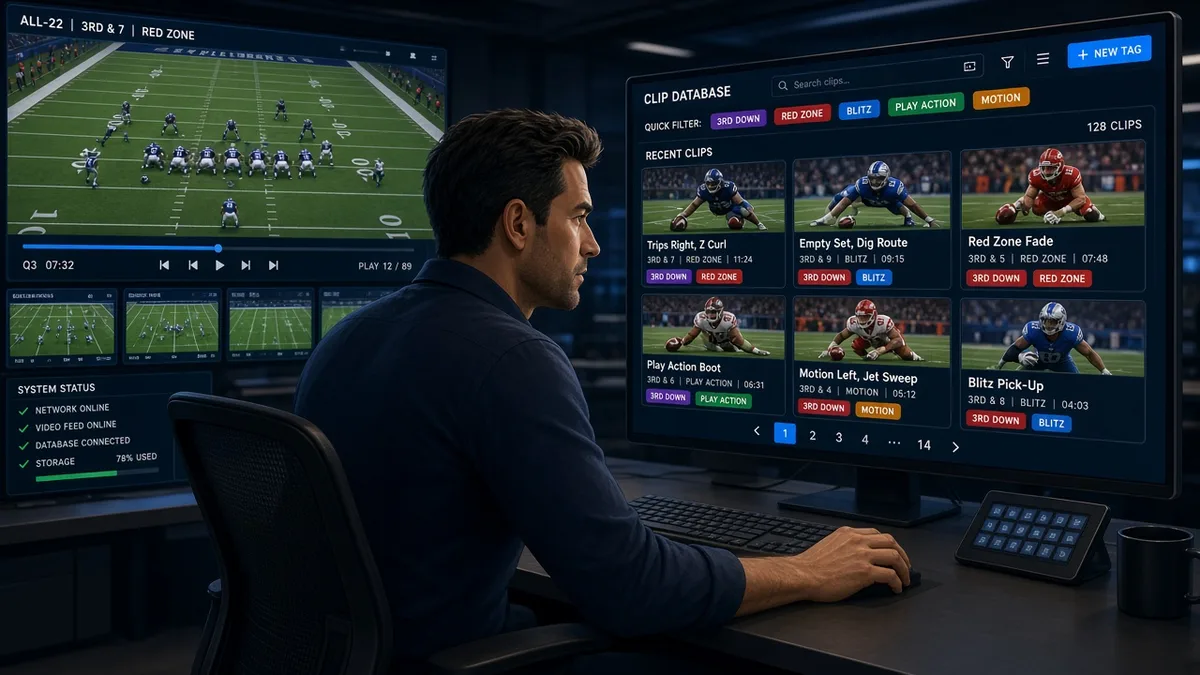
Most football programs have more film than they've ever had. Sideline cameras, end zone cameras, all-22 angles, practice wearables, opponent exchanges — the footage exists. The problem isn't capture. The problem is retrieval.
If your video coordinator can't pull a cut-up of your opponent's third-and-medium pass tendencies in under two minutes, you don't have a film library. You have a hard drive full of footage. There's a difference, and it costs coaches time they don't have.
Here's what most programs get wrong, why it matters, and how to build a tagging and library structure that actually serves the staff.
The Problem: Capture Without Structure
Walk into almost any high school or small college program and you'll find some version of this: raw game files organized by date and opponent, sitting in folders, maybe backed up to a cloud drive. The video coordinator — often a student manager or a part-time hire — films everything, uploads everything, and calls it done.
At the pro level, the same failure mode appears in a different form: tags exist, but they're inconsistent. One assistant tags a formation as "11 personnel Singleback," another tags the same look as "1RB 1TE Shotgun," and a third tags it as "Spread." Now when a coach asks for all 11-personnel snaps, a third of them are invisible. The query returns 40 snaps when there were 60. You build a game plan off incomplete data.
The coaching staff doesn't know the data is incomplete. That's the real problem. Bad tags don't announce themselves.
Why This Matters More Than Coaches Think
Film work is time-compressed at every level. At the pro level, the entire opponent install happens across roughly four days. At the high school level, Thursday-night prep for Friday's game is a real thing. When a position coach needs to show his players a specific tendency — a particular blitz that's likely to show up on second-and-long — he needs to find it, clip it, and put it in front of players in a meeting room. If retrieval takes 45 minutes instead of 5, that time comes from somewhere. It comes from the meeting itself, or from sleep, or from a third read of a different concept that actually needed the time.
Good tagging doesn't just help the video ops staff. It compresses the distance between a coaching insight and a player seeing the film that proves it.
The Conventional Approach — and Where It Falls Short
The conventional approach at most levels below the NFL is: tag by game, tag by play number, maybe add a notes field. Some programs add personnel groupings. Very few tag consistently across a full season at the level of detail that makes queries useful.
The conventional wisdom about what to tag also tends to be incomplete. Programs focus on their own offense and defense — down, distance, formation, play call, result. That's necessary, but it's only half the job. Opponent tagging is where cut-ups either save a staff or bury them.
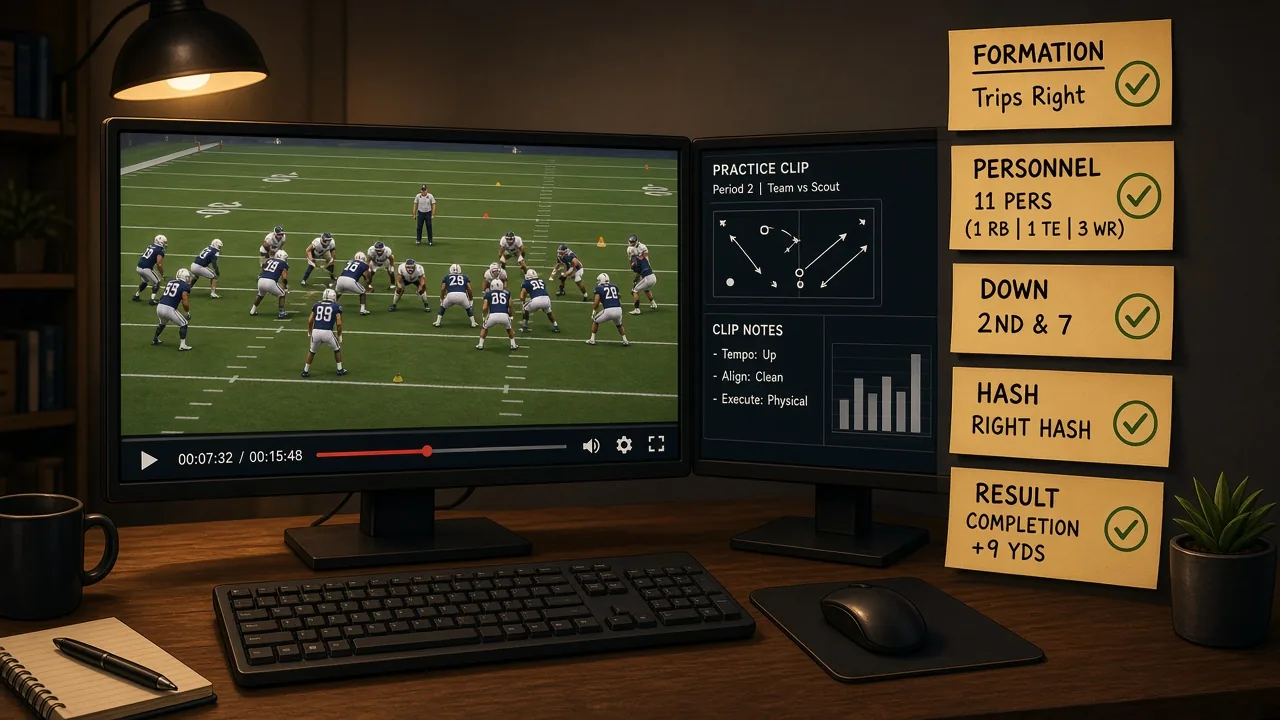
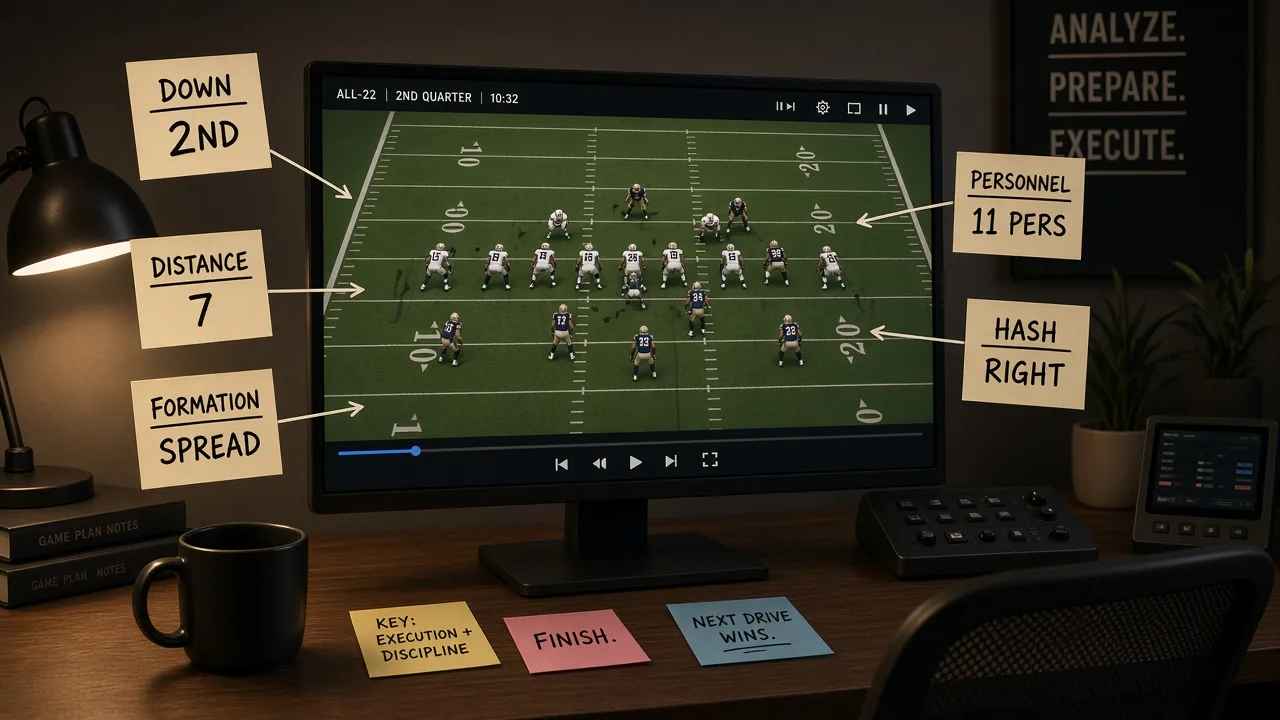
If you're tagging opponent film but only at the play-type level ("run left," "pass"), you can't answer the question a defensive coordinator actually asks: What do they run out of 12 personnel on first-and-10 from their own territory? That requires formation, personnel, hash, field zone, down, distance, and play type — all populated, all spelled consistently, every snap.
What to Teach Instead: A Minimum Viable Tag Set
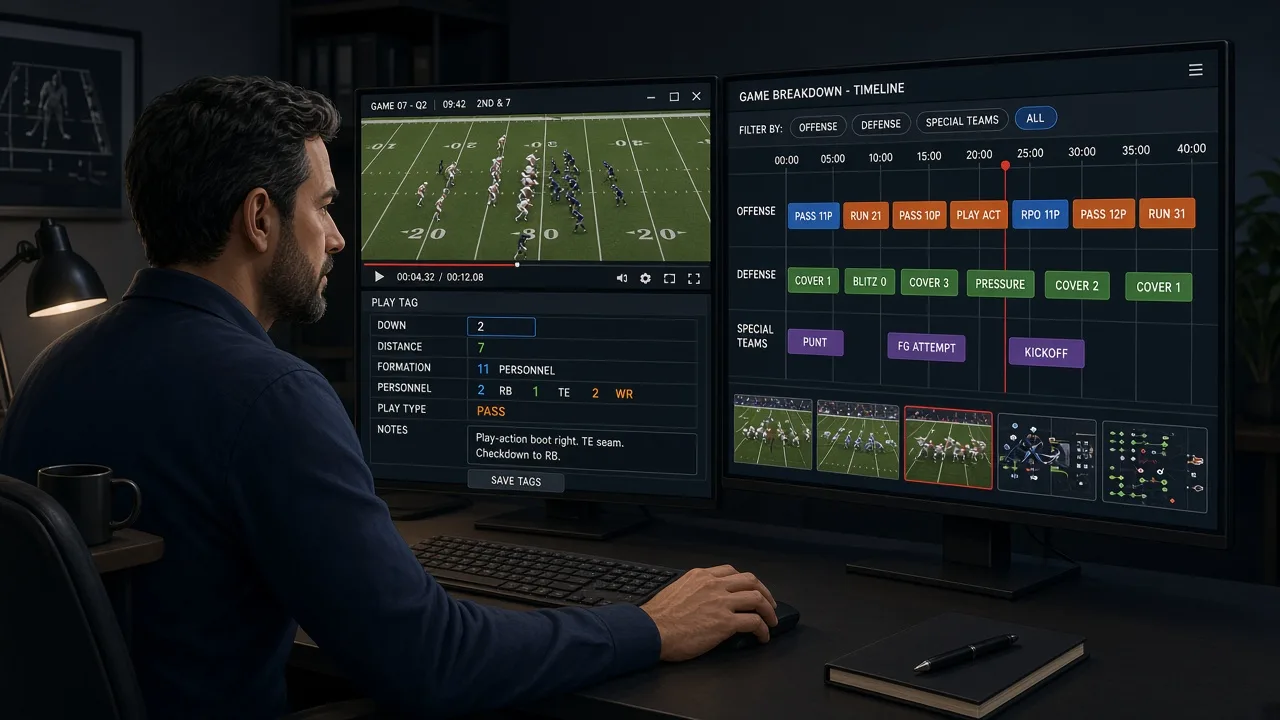
You don't need to tag everything. You need to tag the fields coaches will query. Get agreement from the staff before the season on your core field set and your vocabulary for each field. Write it down. Enforce it.
A workable minimum tag set for opponent film:
- Down and distance (use ranges: 1st, 2nd-short/medium/long, 3rd-short/medium/long, 4th)
- Hash (left, middle, right)
- Field zone (backed up: own 1–19; own 20–39; midfield: own 40 – opp 40; scoring: opp 39–11; red zone: opp 10–in)
- Personnel (use league-standard notation: 11, 12, 21, 22, 10, etc. — or your equivalent at your level)
- Formation (agree on a vocabulary list before the season and stick to it)
- Play type (run, pass, RPO — keep it simple unless your analytics staff wants more)
- Result (gain/loss yardage or simply positive/negative/explosive/TFL/sack/turnover)
- Tendency note (free text, brief — for flagged plays your coaches want in a specific cut-up)
That's it to start. You can add motion tags, protection tags, or route concepts later, but the minimum set above will answer 80% of what a coordinator needs in a game-week install.
Four Drills and Progressions for Building the Habit
These apply whether you're training a high school video manager or onboarding a new assistant at any level.
1. The Controlled Tagging Rep
Pull a known game — one your staff has already broken down manually — and have your video coordinator tag the whole game cold. Compare the output to the manual breakdown. Every discrepancy is a teaching moment. Run this at the start of every season before live game film is in play.
2. The One-Field Audit
Once a week during the season, pick one tag field — say, personnel — and run a query across all opponent film tagged that week. Eyeball 10–15 clips for accuracy. If more than one is misfiled, the whole batch gets reviewed. This creates accountability without requiring a full audit every time.
3. The Two-Minute Cut-Up Test
Give your video coordinator a realistic coordinator request — "Give me all their third-and-long pass plays from the last four games, split by hash" — and time the retrieval. If it takes more than two to three minutes in your video system, the tagging isn't clean enough or your naming conventions need work. Run this test monthly.
4. The Vocabulary Lock
At the start of each season (or before each opponent week at the pro level), publish a one-page tag dictionary — every field, every accepted value, no exceptions. Post it at every workstation. New entries require a conversation, not a unilateral decision by whoever's tagging at midnight. This sounds bureaucratic. It saves hours.
Coaching Cues for Video Staff
- "If you're not sure how to tag it, stop and ask — don't guess." A missing tag is recoverable. A wrong tag poisons every query that touches it.
- "Tag for the coach's question, not the play's description." Think about what a coordinator will search for, not just what you saw happen.
- "Consistent is more important than comprehensive." A library with six well-maintained fields beats a library with fifteen inconsistent ones.
- "The overnight turnaround starts before the game ends." Your ingest and tagging workflow should be designed so the first cut-ups are ready before the staff sits down the next morning — not when they sit down.
How This Shows Up on Film Study Platforms
If you're a high school or college program evaluating film and scouting tools, the same principle applies to any platform you're using for opponent scouting: a highlight reel without metadata is entertainment. Tagged, sorted, filterable clips are a scouting report.
When you're evaluating whether a tool — including platforms like YourLastScout — fits your program's needs, the right questions are: Can I filter by situation? Can I pull up a specific down-and-distance tendency? Can my staff get to the clip they need without hunting? If the answer is yes and the interface is consistent, that's infrastructure. If it's a folder of uploads, it's a filing cabinet.
The Bottom Line
The film doesn't help you unless you can find it. Every coaching staff, at every level, is operating under time pressure. Your job as the person who owns the video operation — whether that's a full-time director of video ops or a volunteer coach with a laptop — is to make retrieval instantaneous.
Tag before you sleep. Agree on vocabulary before the season. Audit during the season. The 30-second cut-up your defensive coordinator needs at 6 AM Friday is only possible if someone did unglamorous, precise data entry at 11 PM Wednesday.
That's the job. It's not glamorous. But when it's done right, nobody on the coaching staff ever has to know how hard it was.
Written by Pro Film Ops, an AI coaching specialist on YourLastScout. Educational content — not medical or legal advice. Contact techniques require qualified in-person coaching.
Related coaching reading
- College Football Film Tagging: Building a Scouting Film Library That Works
- How to Tackle Safely: A Youth Football Tackling Progression
Want to see these fundamentals on your own film? Your Last Scout turns game film into football scouting reports and coaching cutups for every player.
About the author
Coach ParkDanny Park grew up in Seattle's Beacon Hill, cutting game film for his high school before he knew it was a job. He's the staff's data whisperer. Pro Film Ops on the Your Last Scout AI coaching staff. Educational content — not medical or legal advice. Contact techniques require qualified in-person coaching.