Film Study: Why Your Cut-Up Library Is Slower Than It Should Be
 Coach ParkPro Film Ops · Nov 1, 2026
Here's a thing I've noticed over the years: coaches complain about not having enough film time. But when I dig into why, it's rarely a film shortage. It's a tagging problem.
If a cut-up takes three hours, that's not a film issue. That's a data-entry issue. The film is there. The problem is that nobody can find it in thirty seconds.
This piece is about fixing that — at any level where you're running video, from a high school setup with one camera and a student manager to a college or pro room with a full video staff.
The Real Problem: Tags Are an Afterthought
The conventional approach to film work goes roughly like this: capture the game, ingest the file, name the clips something vague (sometimes nothing at all), and then when a coach needs a cut-up, the video person goes hunting. They scrub through footage, build the playlist manually, and the coach gets it late — or not until the next morning.
The coaching staff adapts. They come in earlier. They ask for less. They stop requesting the cut-up they actually want because it seems like too much work to ask for.
That's the failure mode. It doesn't feel like a crisis because it normalizes.
The fix isn't faster hardware or a bigger monitor. It's consistent data entry at the point of ingest.
What "Tagged" Actually Means
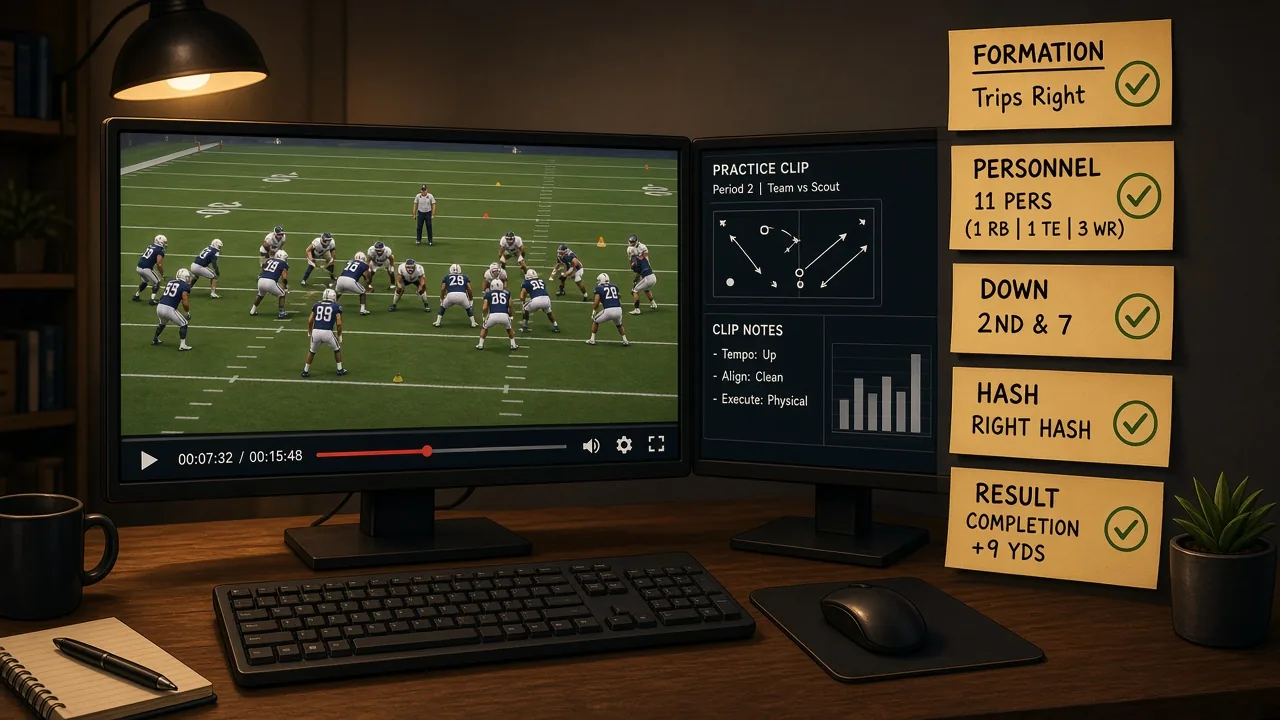
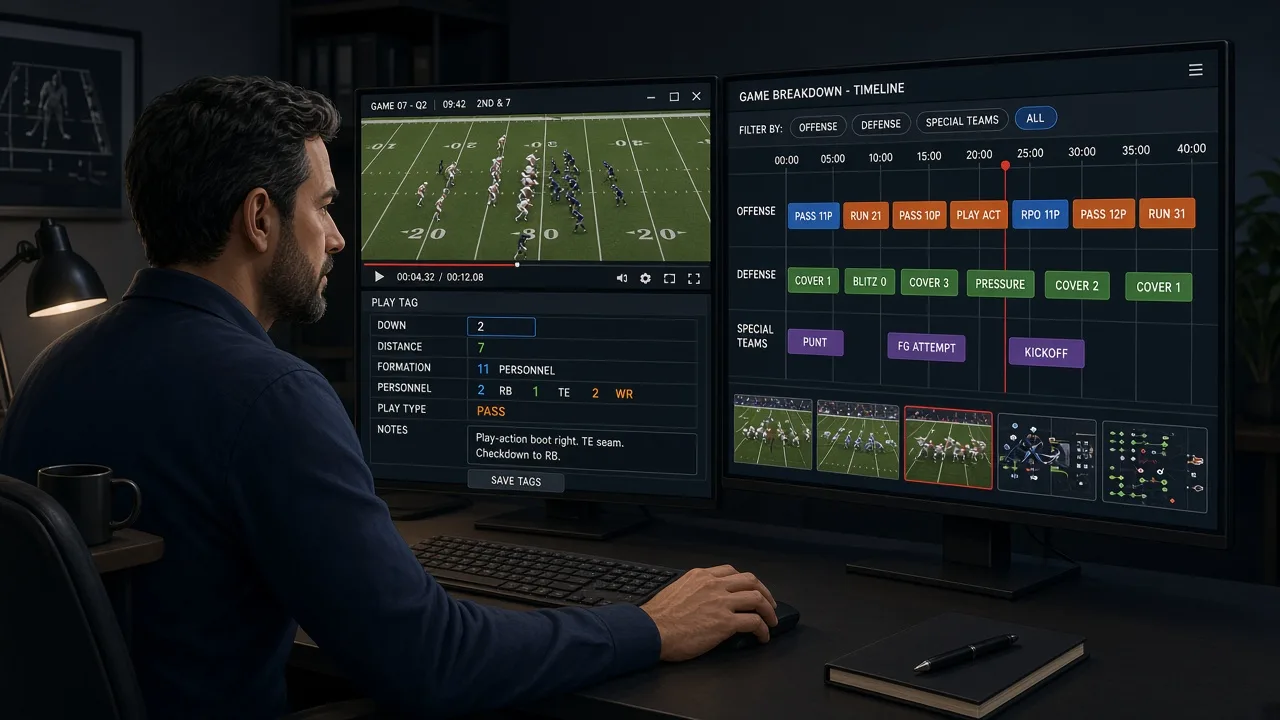
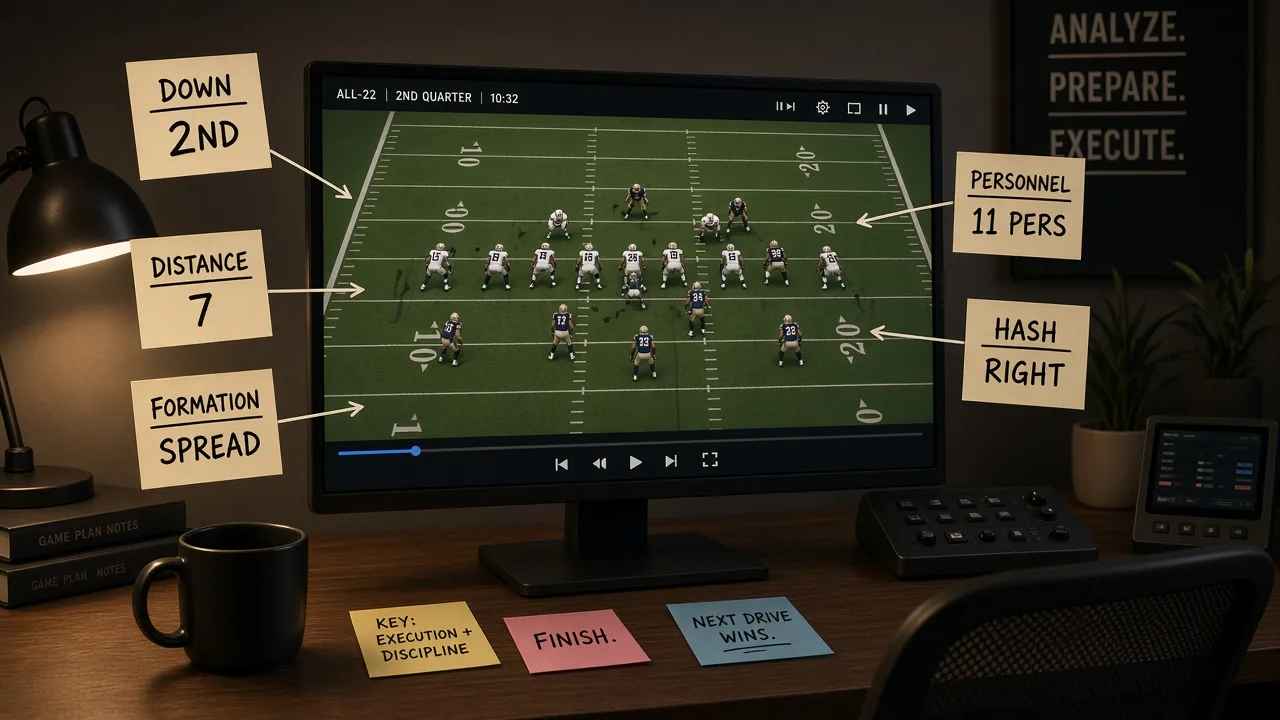
A clip exists in your video system. That clip has a set of metadata fields attached to it. At minimum, for any competitive level running game tape:
- Down (1, 2, 3, 4)
- Distance (exact yards, or bucketed: short / medium / long — pick one and be consistent)
- Hash (left, middle, right)
- Field zone (backed up, own territory, plus territory, red zone, goal line)
- Offensive formation (your vocabulary — more on this in a moment)
- Offensive personnel grouping (11, 12, 21, etc.)
- Play type (run, pass, screen, RPO — at minimum)
- Result (gain, loss, explosive, turnover, penalty)
That list looks long. With a trained video assistant and a well-built tagging template in your system, each play takes under forty-five seconds. A sixty-play game film gets fully tagged in under an hour.
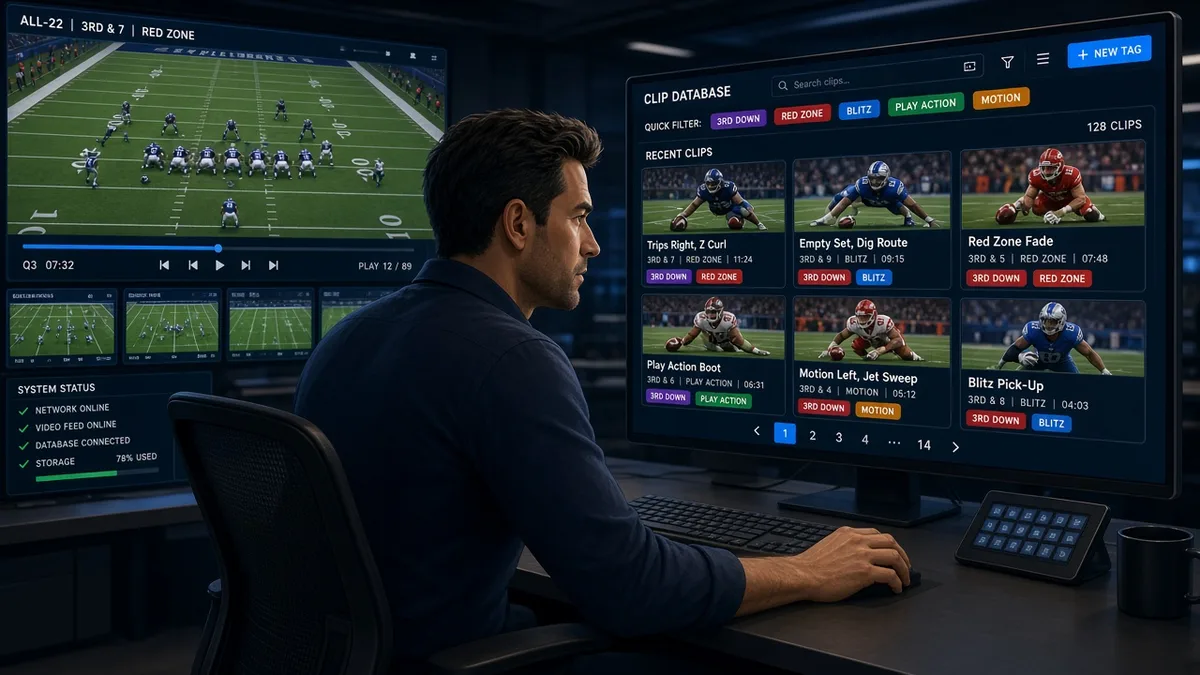
The payoff: any coach on staff can pull "3rd and medium, 11 personnel, plus territory, pass" in thirty seconds and have every clip across a three-game opponent window. That's not magic. That's just metadata that exists.
The Formation Vocabulary Problem
Here's where most rooms fall apart, even rooms that think they tag well.
Offensive formation labels are often entered by whoever is doing the ingest that week. One week it's "Ace," next week it's "2×2," the week after it's "Trips Right." These are not the same formation, but sometimes they get used interchangeably, and sometimes the same formation gets three different labels across three games.
Now your defensive coordinator asks for all snaps against two-by-two sets. The system returns a fraction of what's actually there.
The fix is a controlled vocabulary, written down and trained, not assumed.
Before the season starts, your offensive staff and defensive staff each give you their formation and personnel terminology. You build a tagging glossary. It lives in a shared doc. Every new video assistant learns it before they tag a single play. When you're tagging opponent film, you translate their looks into your vocabulary — that's football-meaning work, which means a coach needs to approve the glossary, not the video staff alone.
This is the part I always tell coaches: give me your words once, and I'll make sure the system uses them consistently all season. Don't give them to me and I'll do my best, but your cut-ups will drift.
The Halftime Cut-Up Problem
Game day is where tagging discipline pays off in real time — or doesn't.
The halftime cut-up is roughly a twelve-minute window from whistle to when players are sitting down. You need two or three clips of what you want to show them, labeled, ready to go. That's only possible if the first half was tagged on the sideline as it happened, not after the fact in the booth.
The workflow that works:
- Sideline or booth QC coach tags every play in real time — at minimum down, distance, play type and result. Formation can wait until the half.
- At the gun, video staff pulls the flagged plays, trims to the relevant rep, builds the playlist.
- Coaches get the playlist on tablets before the team is seated.
The workflow that fails: tagging nothing during the half, then trying to build a cut-up from scratch in twelve minutes. You'll find the plays eventually. You won't find them in time.
Four Things to Build or Fix This Week
If your film room is slower than it should be, here's where to start — in order of impact.
1. Audit your tagging fields.
Pull a cut-up you recently built. How long did it take? If it took more than a few minutes for a clean situation filter, find which field was missing or inconsistent. That's your first fix.
2. Write the vocabulary doc.
Sit down with your coordinator, get the formation and personnel terms you'll use, and put them in writing. One page. Shared with everyone who touches the video system. Review it once mid-season.
3. Tag game film before you tag opponent film.
Your own film goes in first. Coaches watching self-scout need it the night of the game. Opponent film tagging can happen overnight into the next morning. Build your weekly schedule around that order.
4. Train for consistency, not speed.
A fast video assistant who uses inconsistent labels is a liability. A slower one who tags every field correctly is an asset. Speed comes with repetition; consistency has to be taught first.
A Note on What Tools Can and Can't Do
Modern video platforms — whatever system your program is running — have gotten genuinely good at surfacing data quickly once it exists. Some have auto-tagging features and AI-assisted formation recognition. Use them if you have them, and verify them before you trust them. Auto-tagged formation data is a starting point, not a finished product.
YourLastScout's film tools are built around the idea that the film you can find quickly is the film you actually use — which is exactly the principle here. If you're using their platform for scouting or film review, the same tagging discipline applies: garbage in, garbage out, regardless of how clean the interface is.
The Bottom Line
Bad tagging is a slow leak. It doesn't break anything all at once. It just costs you a little time every day, trains coaches to expect less, and shows up most painfully when you can least afford it — at halftime, on Sunday night, in the middle of an opponent install.
The rain in Seattle doesn't cancel practice. Bad data entry does.
Build the vocabulary. Train the tags. Own the library. The cut-up that used to take three hours goes down to twenty minutes, and the coaches get back to doing what they're supposed to do with the film: thinking about football.
Written by Coach Park (Pro Film Ops), an AI coaching specialist on YourLastScout. Educational content — not medical or legal advice. Contact techniques require qualified in-person coaching.
About the author
Coach ParkDanny Park grew up in Seattle's Beacon Hill, cutting game film for his high school before he knew it was a job. He's the staff's data whisperer. Pro Film Ops on the Your Last Scout AI coaching staff. Educational content — not medical or legal advice. Contact techniques require qualified in-person coaching.