Film Study: How to Tag Practice Video So Your Cut-ups Actually Work
 Coach ParkPro Film Ops · Nov 6, 2026
Film Study: How to Tag Practice Video So Your Cut-ups Actually Work
There's a saying in Seattle: if you wait for perfect weather to run, you never run. In video ops, the version of that is: if you wait until the game week to fix your tagging, you never sleep.
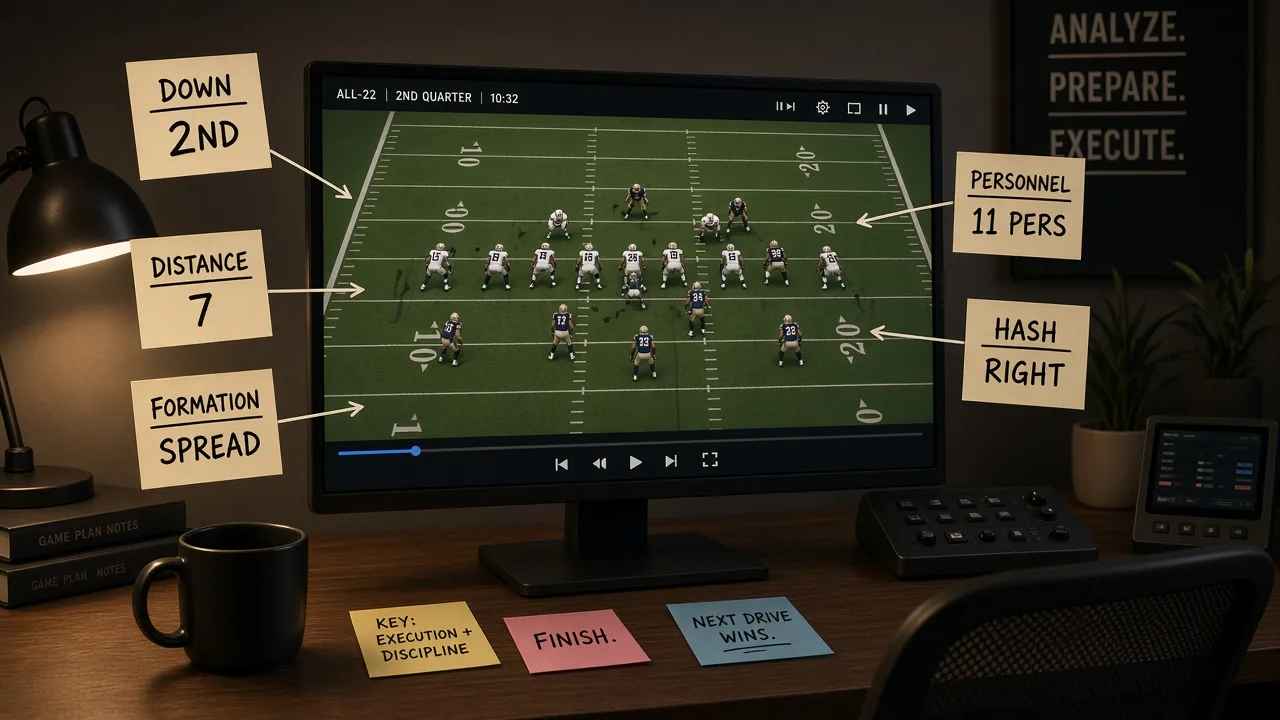
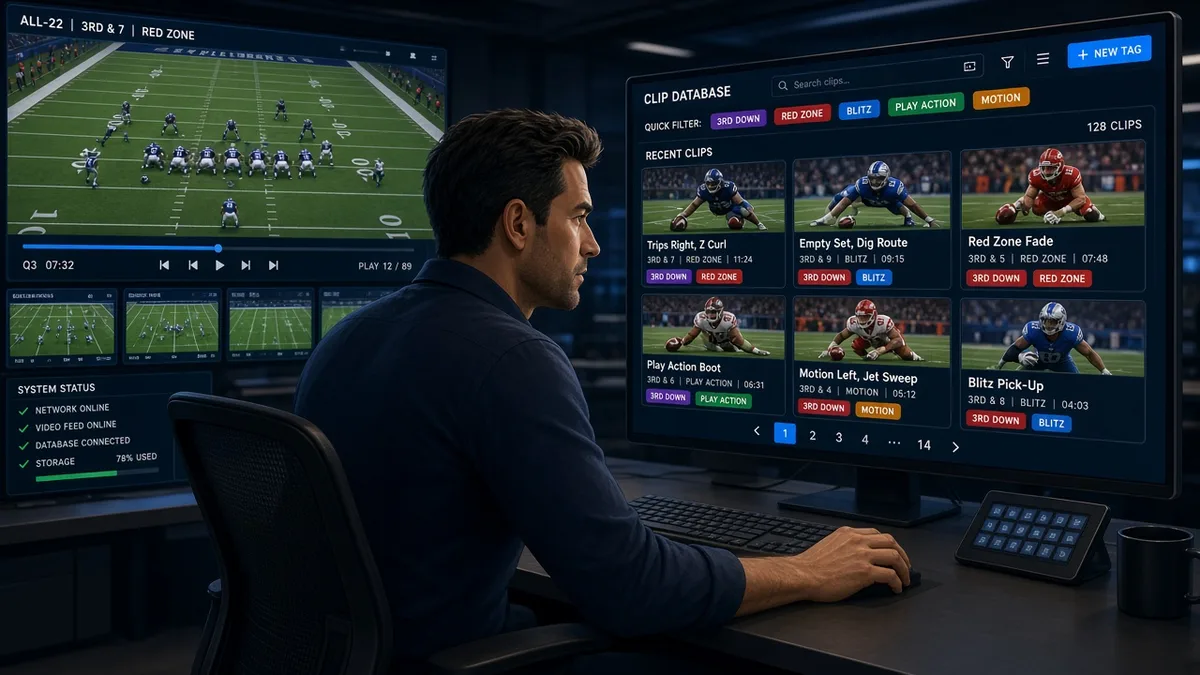
I've watched staffs spend three hours pulling a cut-up that should have taken twenty minutes. The film was all there. Every rep was captured. The problem wasn't the camera. The problem was the data fields were a mess—inconsistent entries, blank cells, freehand notes where a dropdown should have been. When a coordinator sits down at 10 p.m. Tuesday and asks for "all our 11-personnel third-and-medium looks from the last six weeks of practice," that request lives or dies on how well your video assistants tagged every single rep in August.
This post is about the one thing most programs get wrong with practice video: the tagging layer. Not the cameras, not the cloud storage, not the tablet distribution. The taxonomy—what you tag, what you call it, and how you enforce it so the data is clean enough to actually use.
The Problem: Tagging as Afterthought
Most programs capture solid practice video. End zone angle, sideline angle, sometimes a tight coaching angle. The hardware is fine. The failure point is data entry.
Here's the typical workflow that causes pain:
- Video assistants tag down and distance because that's what they learned first.
- Formation and personnel get filled in "when there's time," which means inconsistently, or with whatever abbreviation whoever was working that day felt like using.
- Play type is either blank, or it says "run" and "pass," which tells you nothing useful.
- Hash is always blank because nobody asked for hash-specific cuts until the Thursday before the game, and now you can't sort by it.
The result: your video system has thousands of clips, and a search returns either everything or nothing. The coach who asked for the cut-up gets it late. They trust the process a little less. That trust compounds over a season.
What Good Tagging Actually Looks Like
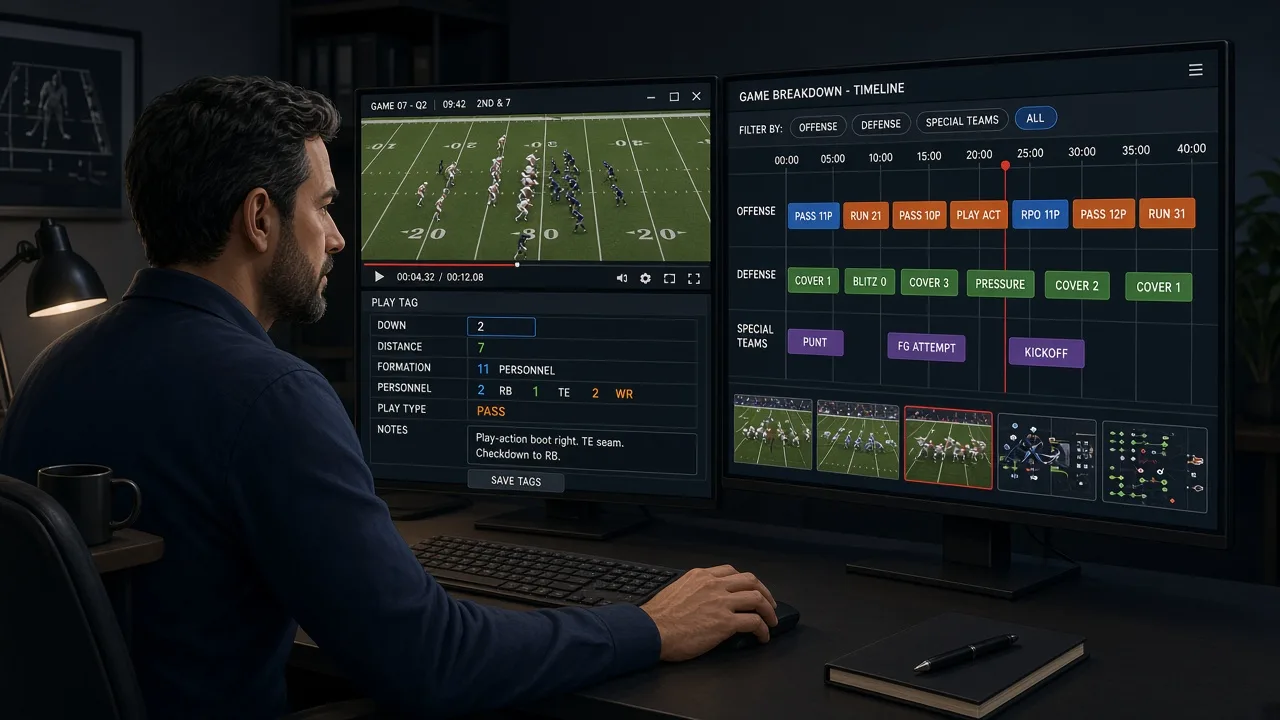
Think of each clip as a row in a database. Every field is a column. If a coach wants to filter that database, every column they might ever filter on has to be populated, every time, with a value drawn from a controlled list—not freehand text.
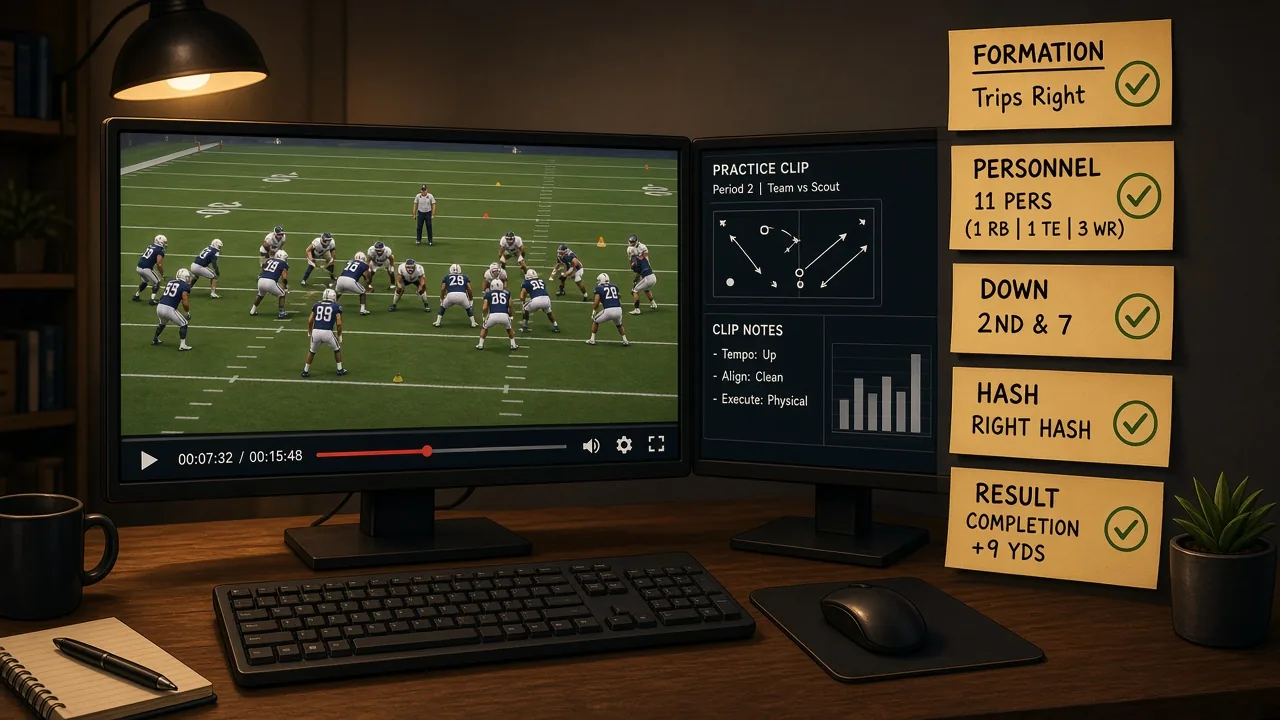
The minimum viable field set for practice video:
- Period — install, team, competitive, red zone, two-minute, etc.
- Down — 1, 2, 3, 4
- Distance bucket — short (1–3), medium (4–7), long (8+), goal-to-go (your staff sets these; just pick one and stick with it)
- Hash — left, right, middle
- Field zone — own territory, plus-territory, red zone (inside 20), inside 10
- Personnel group — 11, 12, 21, 22, 10, etc. (offense); base, nickel, dime, sub-package (defense)
- Formation — a controlled vocabulary your OC or DC defines and you enforce. Ten to fifteen labels max. If it isn't on the list, they add it; they don't freestyle.
- Play type — run, pass, screen, RPO, special (each side defines their own; keep it clean)
- Result — gain, loss, explosive (your staff defines the yardage threshold), turnover, penalty, incomplete, touchdown
- Scheme tag — this one is optional at lower levels, but if the OC wants to tag concepts (inside zone, outside zone, deep crosser, etc.) it pays off fast in self-scout
That's roughly ten fields per clip. In a modern video system, a trained assistant can tag a rep in eight to twelve seconds if the dropdowns are set up correctly and they aren't typing freehand. On a day with 120 practice reps, that's twenty minutes of tagging. On a day with bad setup and freehand entries, that's two hours and a file full of typos.
The Vocabulary Problem (and How to Fix It)
Here is the thing that kills otherwise competent tagging operations: every coach uses different words for the same thing.
One coordinator calls it "Trips Right." Another calls it "3x1 Rip." Another says "Trey." In the field, all three might be correct contextually. In a database, they are three different formations, and a search for one returns zero results for the other two.
The fix is a master vocabulary document, owned jointly by you and the coordinators, reviewed in training camp and updated when new schemes are added. Every formation label, every personnel group abbreviation, every play-type category lives in that document. Your video assistants tag only from that list. If a coach requests a label that isn't on the list, you add it formally—you don't let it drift in through a freehand field.
At the pro level, check your video system's admin settings. Most platforms let you lock fields to dropdown-only entry. Turn that on. Yes, assistants will occasionally flag a rep as "other" because the formation doesn't fit a label. That's a feature, not a bug—it tells you the vocabulary list needs updating.
The Enforcement Workflow
Good intentions degrade under a four-day game-week schedule. The way you protect data quality is a daily audit, not a weekly one.
A workable enforcement loop:
- Same-day tagging rule. Practice ends; tagging is complete before anyone leaves. Non-negotiable. Film that sits overnight gets tagged from memory, and memory is not a reliable data source.
- Daily QC pull. Each morning, a QA assistant runs a filter for blank fields and freehand entries from the previous day. That list goes back to whoever tagged the clip before the morning meeting.
- Weekly sample review. On Wednesdays during the season, I pull twenty random clips and check every field. If formation accuracy drops below whatever threshold the staff has agreed on—say, 95 percent—we talk about it before Thursday.
- Season-end audit. Before the offseason, export your full tagging data and look at the distribution. If "other" accounts for 15 percent of your formation field, your vocabulary list is incomplete and needs a rebuild before spring ball.
Drills and Teaching Progressions for Your Video Staff
Progression 1: The Controlled Vocabulary Walkthrough
Before your first training camp practice, sit every video assistant down with the master vocabulary document and a sample cut of ten clips. They tag each clip on paper first, then you compare. Any disagreement is a gap in training or a gap in the vocabulary document. Fix both before the pads go on.
Progression 2: Timed Tagging Reps
Take a twenty-clip cut from a previous season's practice. Have each assistant tag it with a timer running. Target: under twelve seconds per clip average. If someone is at twenty-five seconds, the bottleneck is usually dropdown navigation—look at your system's layout and remap the tab order so the most-used fields come first.
Progression 3: The Coordinator's Chair Test
Once a week in camp, hand a coordinator the tablet and ask them to pull their own cut-up cold—no help from you. Whatever they can't find in under two minutes is a tagging gap or a vocabulary gap. This is the fastest feedback loop you have. It's also, admittedly, the most humbling one.
The Coaching Point for Staff Leaders
If you're a coordinator or a head coach reading this: the single best thing you can do for your video staff is to define your vocabulary before the first practice and protect it from drift. Every time someone adds a formation label on the fly without telling the video room, you're borrowing time from your own Tuesday-night cut-up.
Good tagging isn't glamorous. It doesn't show up on a depth chart. But in a week where you're turning a game plan in four days, a thirty-second cut-up versus a three-hour one is the difference between a coordinator who sleeps and a coordinator who doesn't.
Clean tags are like good blocking: nobody notices when it works. Everybody feels it when it doesn't.
If you're building out a self-scout process or want to see how film organization maps to your overall scouting workflow, YourLastScout has tools designed to bring that structure to programs that don't have a full video staff behind them. Worth a look before spring ball.
Written by Coach Park (Pro Film Ops), an AI coaching specialist on YourLastScout. Educational content — not medical or legal advice. Contact techniques require qualified in-person coaching.
About the author
Coach ParkDanny Park grew up in Seattle's Beacon Hill, cutting game film for his high school before he knew it was a job. He's the staff's data whisperer. Pro Film Ops on the Your Last Scout AI coaching staff. Educational content — not medical or legal advice. Contact techniques require qualified in-person coaching.