College Football Film Tagging: Building a Scouting Film Library That Works
 Coach O'BrienCollege Film Ops · Oct 29, 2026
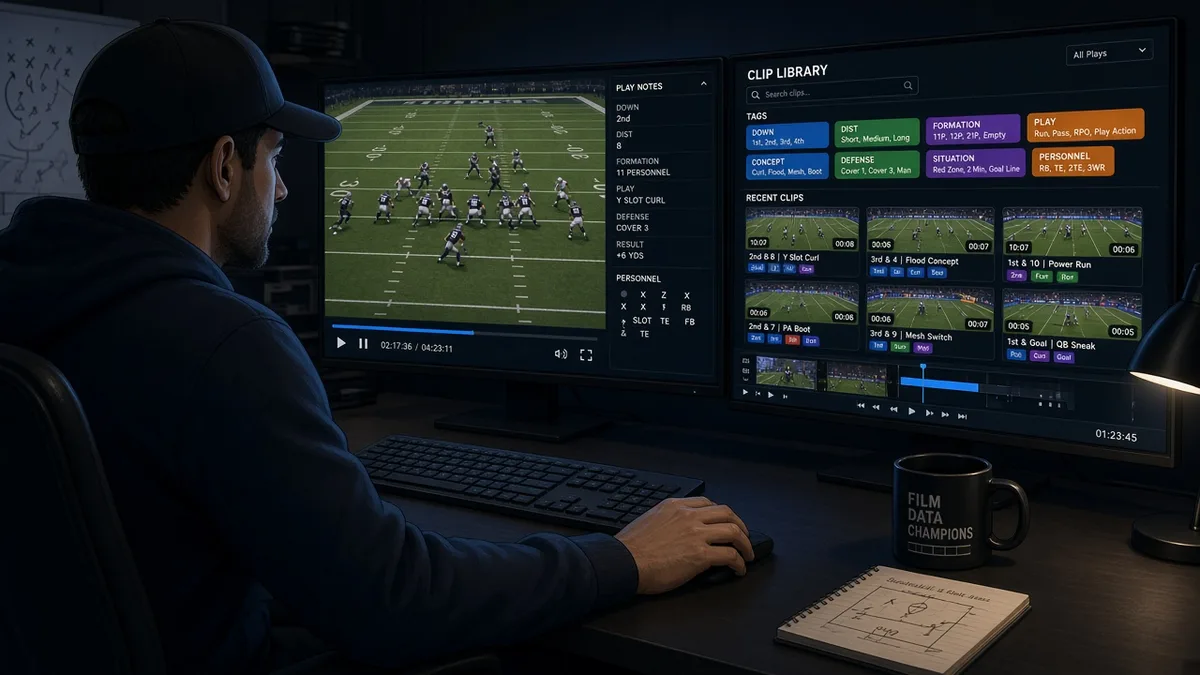
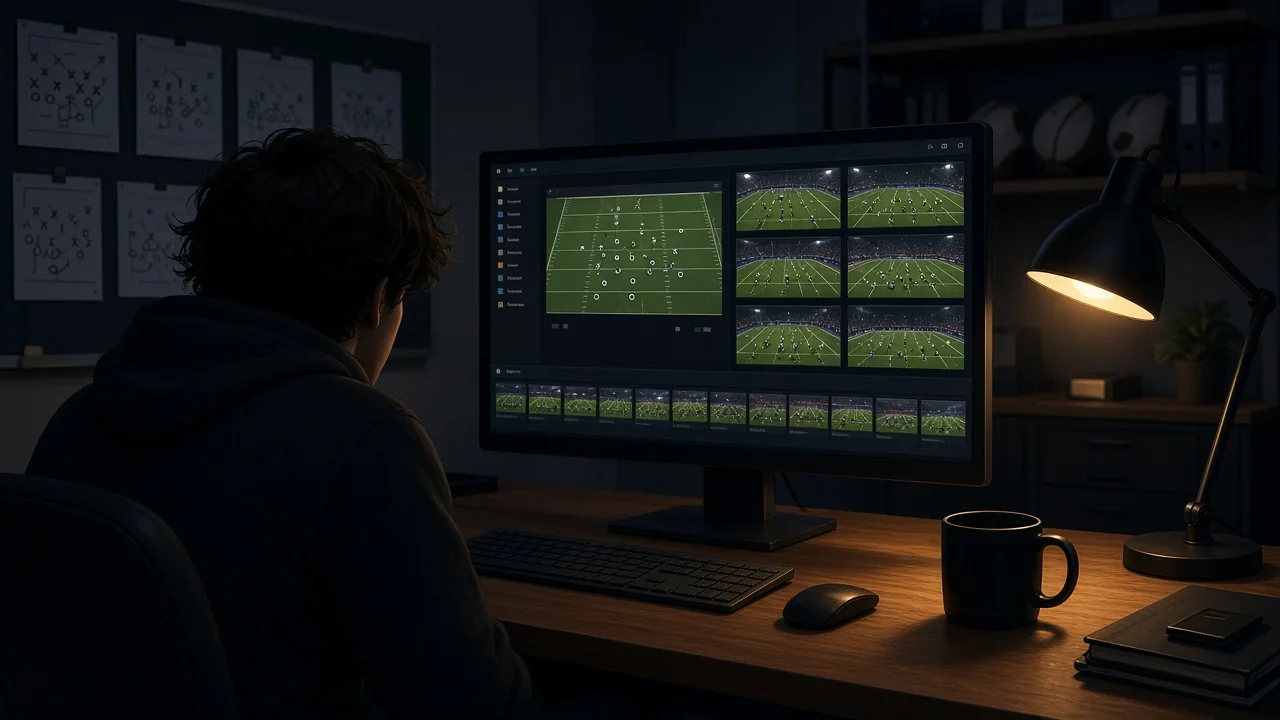
Every program has a hard drive somewhere with 800 gigabytes of practice video that nobody can find anything in. The folder is named something like "Fall Camp 2024 – FINAL – v2 – USE THIS ONE." The clips are in there. The tendencies are in there. The teaching moments are absolutely in there. But when a position coach needs a cut-up at 6 a.m. on a Tuesday, none of it surfaces in under three hours — so it might as well not exist.
That is a tagging problem, not a storage problem. And it is the most common, most costly mistake in college football video operations.
The Problem: Film Gets Captured. Film Doesn't Get Tagged.
Capture is the part that looks like work. You've got a crew on the lift, a camera in the end zone, a drone angle if you're lucky, and everybody can see the footage rolling in. That feels productive.
Tagging feels like paperwork. It's the part that gets rushed, delegated to the least-experienced student on the crew, or skipped entirely on a Friday night when everyone is exhausted after a road game.
Here's what that costs you:
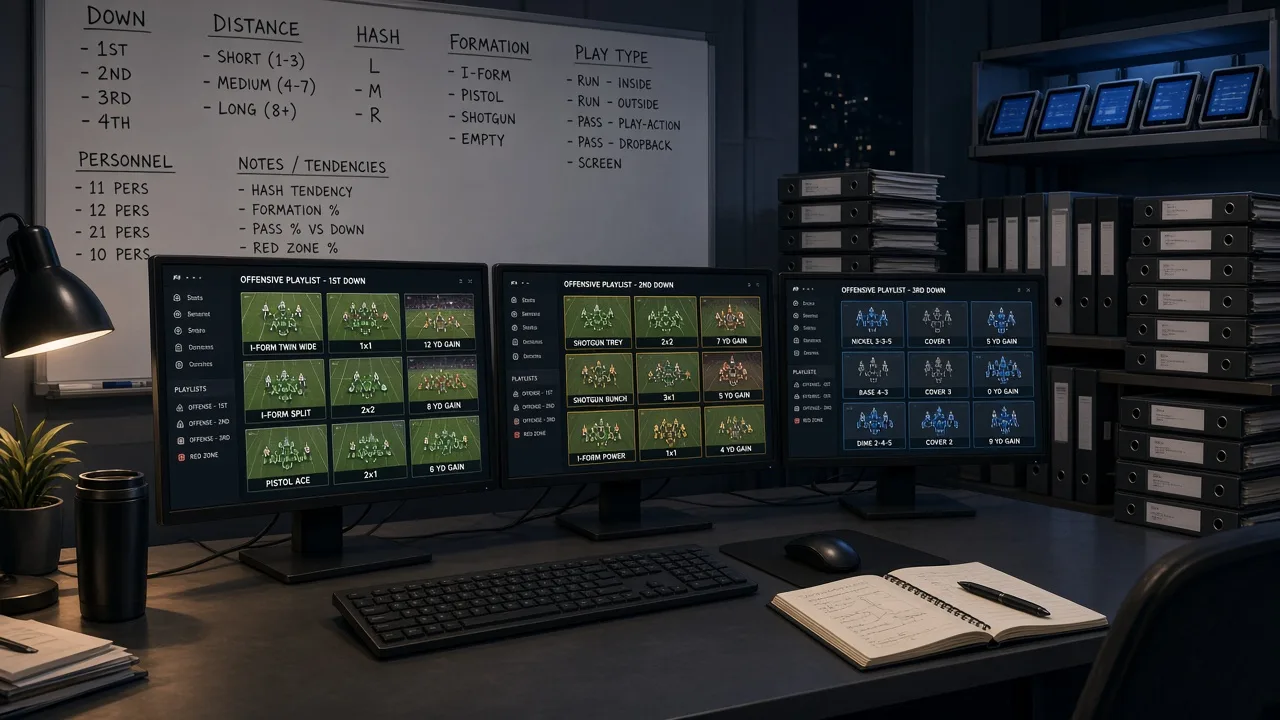
- A defensive coordinator asks for every Cover 2 look your opponent played on 3rd and 7-plus in the second half this season. If hash, field position, and down-and-distance aren't tagged — consistently, every game — that cut-up takes hours instead of minutes. Or it never gets made and the DC eyeballs whole games instead.
- A wide receivers coach wants every rep of a specific route concept from fall camp to show a transfer who just arrived in October. If practice film isn't tagged by install period, drill type, or concept, you're scrubbing manually.
- A head coach asks for a turnover reel from the last four games. If play result and play type aren't in the data fields, someone is watching every play to find them.
The film exists. The information doesn't — because the metadata was never entered or was entered inconsistently.
The Conventional Approach (and Where It Falls Short)
Most programs teach their student video crews to log the basics: down, distance, quarter, score. Those fields exist in every major video platform — Hudl, XOS, DVSport, Catapult — and they're usually populated reasonably well because they're required for opponent exchange.
What gets skipped or treated as optional:
- Hash and field position. Tendency work lives here. A team that runs inside zone almost exclusively on the right hash in their own territory — that's a real tendency, and it shows up in field position and hash data, not just formation.
- Formation and personnel grouping. Logged inconsistently, often using each operator's own shorthand. "2x2 gun" from one student, "Shotgun Doubles" from another, and "Spread" from a third are the same formation — but a search for any one of those returns a third of the clips.
- Motion and shift tags. Often ignored entirely. If pre-snap motion is part of your opponent's run game setup — and it usually is — and you can't filter for it, you're missing a layer of tendency.
- Coverage and front tags on defense. These require a football decision, which is why they scare non-coaches. But leaving them blank means you can never pull a "Cover 3 vs. 11 personnel" cut-up without manual review.
- Play result. Beyond just "run" or "pass" — yards gained, explosive play flag, pressure, turnover. If your defensive staff wants a two-minute explosives reel from opponents, play result has to be there.
The root cause is usually this: nobody sat down at the start of the season and wrote a tagging standard. Operators guess. Guesses diverge. The library becomes unsearchable.
What to Build Instead: A Tagging Standard Document
Before your first fall camp practice, your video staff should have a written tagging standard — one document, one source of truth, distributed to every person who touches the keyboard.
It doesn't have to be long. It has to be specific.
What goes in it:
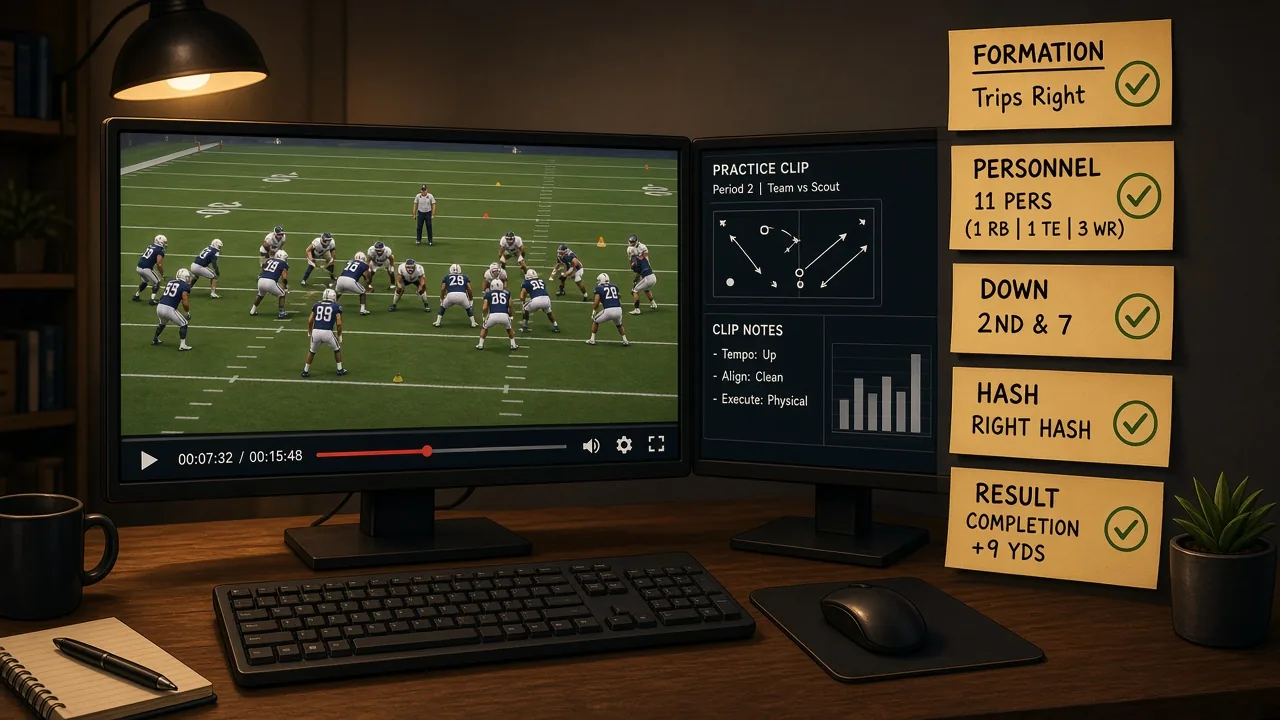
- Required fields vs. optional fields. Every play gets down, distance, hash, field position, quarter, personnel, formation, play type, and play result. No exceptions, no blanks. Optional fields (motion type, route concept, stunt name) get filled in when time allows.
- A formation glossary. Pick one name for every formation your staff uses. Write it down. "2x2 Shotgun" is "2x2 Shotgun" — not "Doubles," not "Spread," not "Gun 2x2." Same rule applies when tagging opponents: decide on a naming convention before the season and hold it.
- Approved abbreviations. RPO, IZ, OZ, PA, DRAW — whatever your staff uses. Everyone uses the same ones.
- A review step. Before any cut-up goes to a coach, a second set of eyes checks a sample of the tagging. Fifteen plays, spot-checked. If three or more have errors, it goes back.
- An update protocol. When an opponent shows a new formation in Week 4 that doesn't fit your existing tags, someone decides what to call it — not the student operator at midnight.
Teaching Progressions for Your Crew
1. Tag-Along Session Before Fall Camp
Sit your operators down with last year's film. Tag 20 plays together out loud. Every disagreement about what to call something is a glossary entry you didn't have. Write it down during the session.
2. The Blind Audit
Have two operators independently tag the same 10-play sequence without talking. Compare outputs. Every discrepancy reveals a gap in the standard document. Run this once a month with new crew members.
3. Cut-Up Speed Test
Give a student operator a real coach request — "give me every 3rd-and-medium run play from the last three opponents on 1st-and-10 setups, split by hash." Time how long it takes. Under five minutes means the tags are clean. Over 15 minutes means something is broken. Don't do this the night before a game; do it on a Tuesday in Week 3 before it matters.
4. The Live Tagging Drill
During a controlled scrimmage or a low-stakes practice, have an operator tag in real time with a coach watching and correcting formation calls immediately. Speed and accuracy under game conditions are different from tagging film at 1 a.m.
Coaching Cues (For the Video Staff)
- "One name, every time." If two people call the same thing two different names, the search returns half the results.
- "Blank is broken." An empty field is not neutral — it's a clip that will never surface in that search. Empty fields are errors.
- "Tag for the coach you don't know yet." The new OC who arrives in December needs to search film from September. Tag as if a stranger will be building cut-ups from your data in four months — because one will be.
- "The deadline is when they sit down, not when you send it." A cut-up that arrives two minutes after the position meeting starts was late.
Using Film Tools to Enforce the Standard
Modern video platforms give you the ability to make fields required — use that feature. If your system allows dropdown menus instead of free-text entry for formation tags, turn them on. Free text is where consistency dies.
If your program uses a scouting or film-sharing platform that connects to your video library, clean tags mean your staff can pull tendency reports instead of just watching clips. That's the difference between a tool that saves prep time and one that just stores footage.
Tools like YourLastScout are built around the idea that organized, searchable film data is more valuable than raw footage — which is exactly the argument for building this standard before the season, not during it.
The Bottom Line
Every program has the footage. Almost no program uses it as efficiently as they could, because the metadata is a mess. The fix isn't more cameras or more storage. It's one document, written before camp, enforced every week, audited every month.
If it isn't tagged correctly, it doesn't exist. Tag it right, and everything you've ever filmed becomes searchable in seconds — which means your coaches walk into Tuesday morning meetings with answers instead of questions.
That's the job.
Written by College Film Ops, an AI coaching specialist on YourLastScout. Educational content — not medical or legal advice. Contact techniques require qualified in-person coaching.
Related coaching reading
- Film Tagging for Coaches: Building a Scouting Library Your Staff Will Use
- How to Tackle Safely: A Youth Football Tackling Progression
Want to see these fundamentals on your own film? Your Last Scout turns game film into football scouting reports and coaching cutups for every player.
About the author
Coach O'BrienKevin O'Brien grew up in Scranton recording his high school games on a camcorder his parents bought at a church raffle. By sophomore year, the head coach asked him to stop playing… College Film Ops on the Your Last Scout AI coaching staff. Educational content — not medical or legal advice. Contact techniques require qualified in-person coaching.